
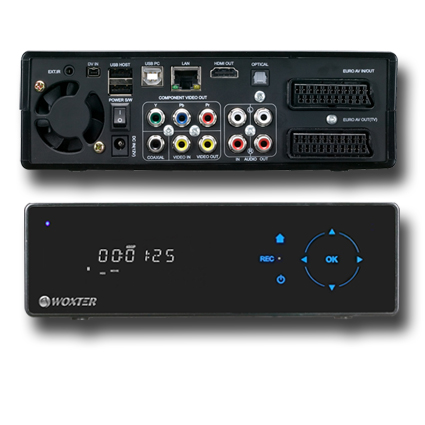
Guosthex 1.0, new firmware for the Woxter i-Cube 35 X-div Xp Rec
Since Woxter has decided to leave users who bought this multimedia drive without updates, I have decided to get to work and install the update myself.
1. Device Description
First we have to do an analysis at the hardware level to know what we are dealing with:
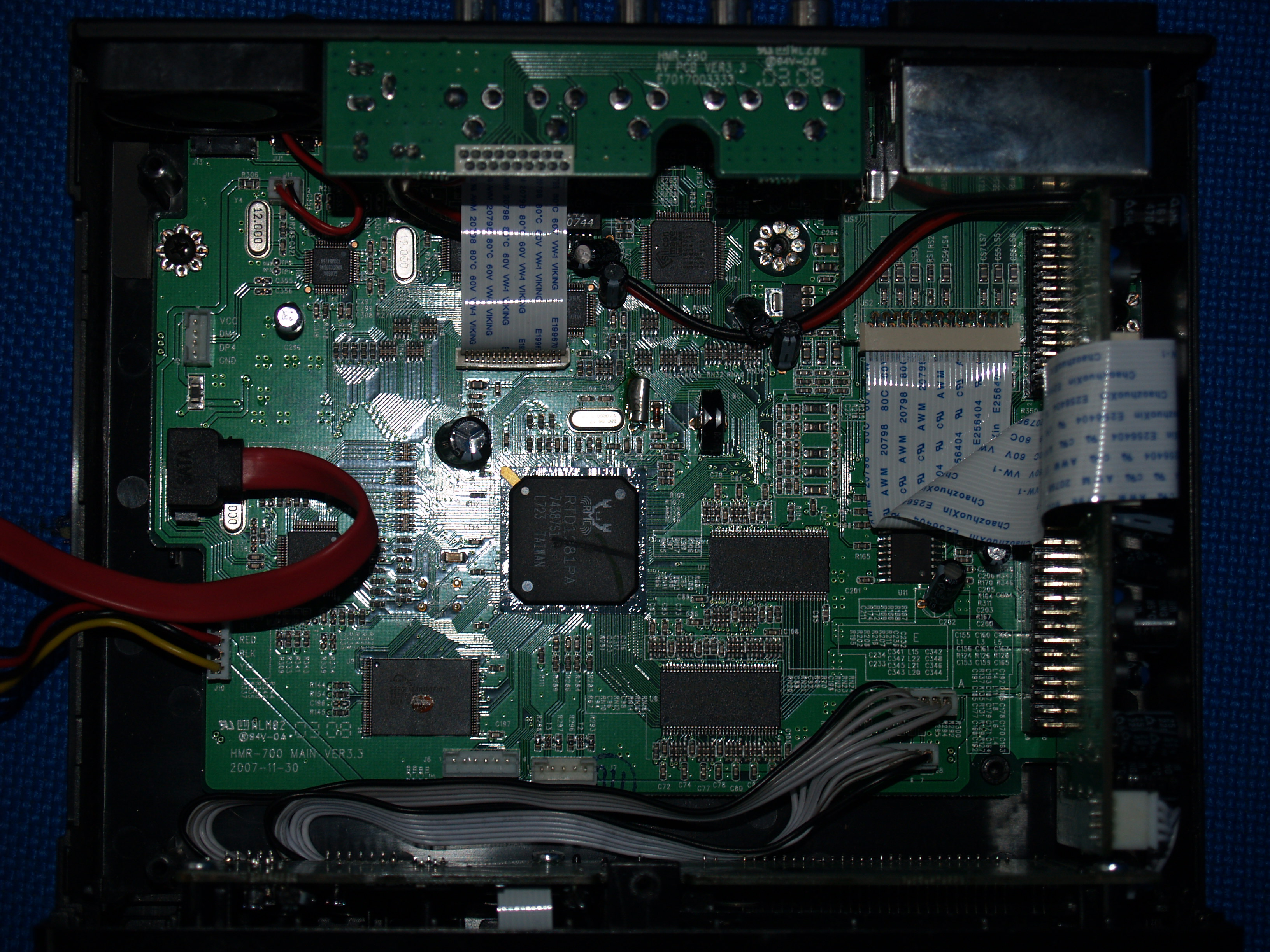
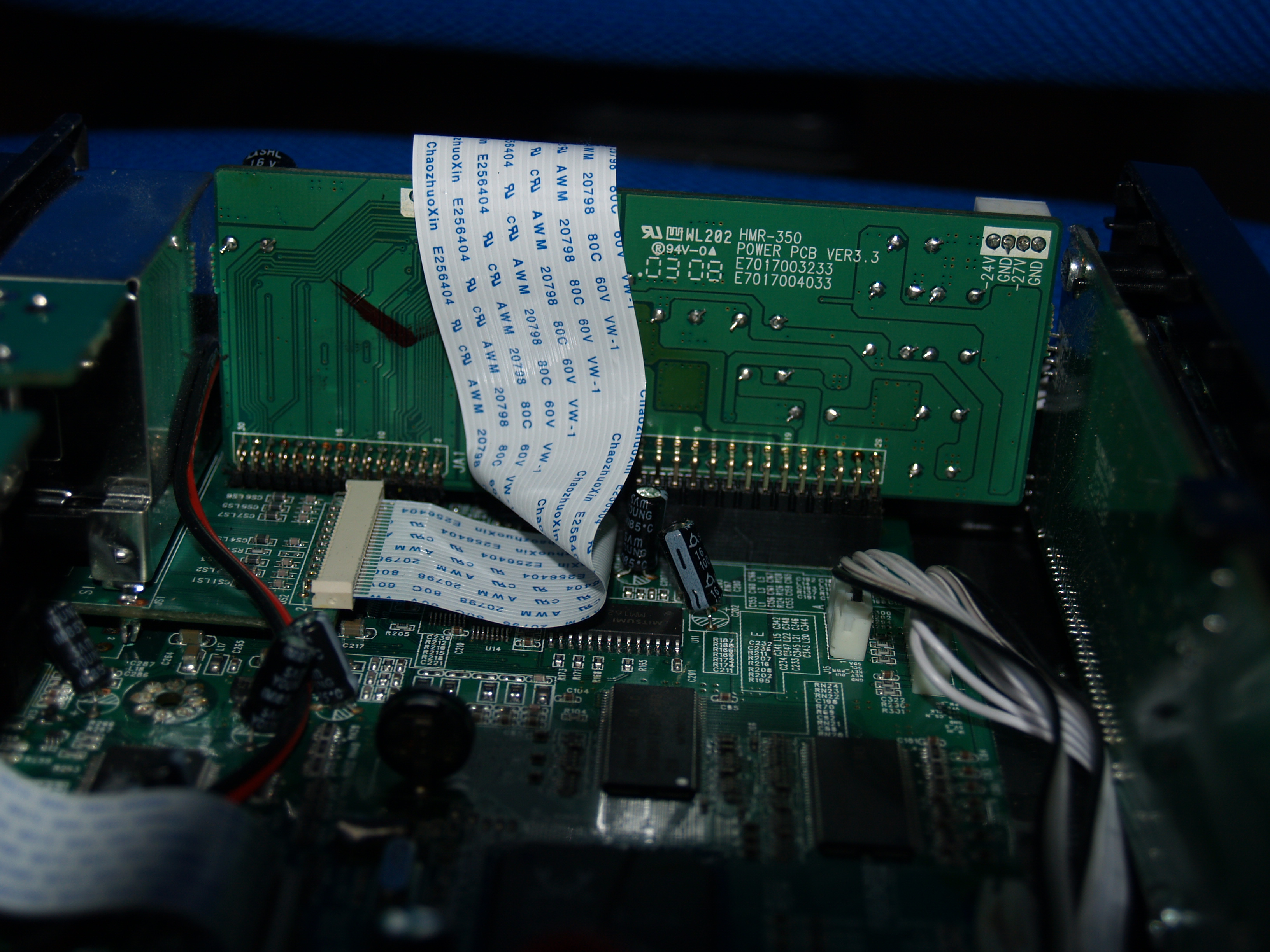
Once disassembled we can see that the board is an HMR-700 and the front controls (IR, LCD, buttons, …) are from an HMR-350, these multimedia disks are usually manufactured by a company and sold to others to market it, such as Ellion, O2Media, FanFan, Woxter, …..
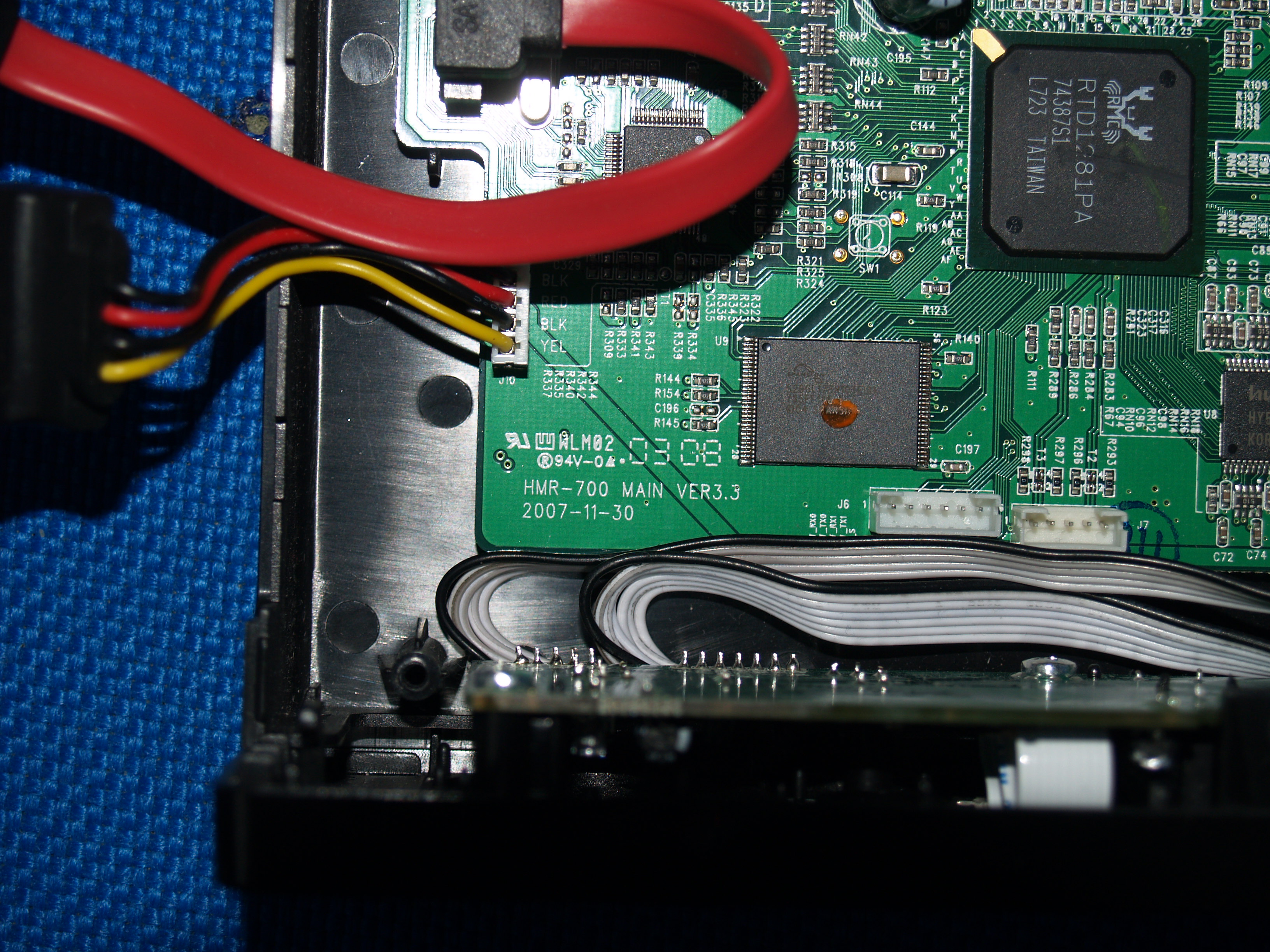
And as a processor we have a MIPS, more specifically a Realtek Venus
system type : Realtek Venus processor : 0 cpu model : MIPS 4KEc V6.4 BogoMIPS : 202.34 wait instruction : yes microsecond timers : yes tlb_entries : 16 extra interrupt vector : yes hardware watchpoint : yes ASEs implemented : VCED exceptions : not available
Well, knowing this, we now have to examine the software that fits, and since we can access it via telnet we see:
Linux Venus 2.6.12.6-VENUS #8 Wed Nov 26 16:41:32 KST 2008 mips unknown
BusyBox v1.1.3 (2008.09.12-05:32+0000) Built-in shell (ash)
Module Size Used by Not tainted aes 29552 2 ieee80211_crypt_ccmp 5952 2 ndas_emu 37664 0 ndas_lpx 69152 7 ndas_emu r8187 104688 0 ieee80211_rtl 107504 1 r8187 ieee80211_crypt 6928 2 ieee80211_crypt_ccmp,ieee80211_rtl ohci_hcd 24592 0 ehci_hcd 44000 0
Thanks to EMCXT 2.11 we can decompress the firmware and adapt it to the one we want.
2. Updating the firmware
After a day of testing and adapting it to the most basic needs, I declare the first release version of Gousthex 1.0 released, with the new interface, and also the possibility of starting Samba directly when starting the device.
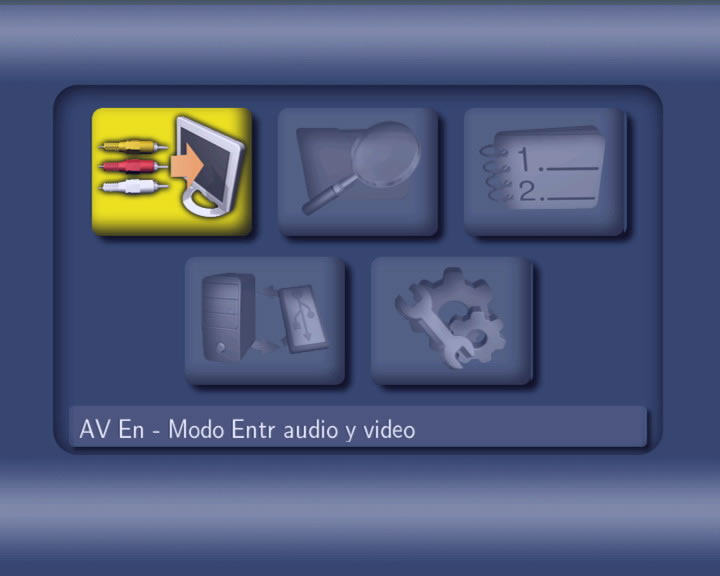
2.1 How to update
- Unzip the file “Gousthex - Release.zip” on a USB device directly from the root of the device.
- Insert the USB memory into the connector closest to the Woxter switch.
- Turn off Woxter
- Pressing the Home button (not on the remote, but on the box) and turn on. It will take about 10 seconds
- A green and yellow screen will start, let it finish, and it will restart itself.
- Voila!! You already have the new version
2.2 Enable Samba
- Unzip the file “samba.zip” on the Woxter hard drive, directly from the root of the device.
- It must be at “WoxterUnit:\\soft\smbd”
- Reboot the Hard Drive, and that’s it!! you can now access.
It also has a built-in web server, it just doesn’t occur to me what we could put in it, any idea would be welcome. It is also possible to make it run a torrent client, a mldonkey, ….but that will be in future versions.
P.S. Who will give me one with Windows, or with an x86 processor to play with the other weekend?
I am not responsible for any damage or error caused by this firmware, it is the one I have in mine, and I hope to continue improving it, but I am not the company, I am not the official support and I do not obtain any benefit from this.